Remember what matters.
Curated memory stores environment facts and user preferences across sessions. Searchable session history helps an agent retrieve earlier work when it needs more context.
How persistent memory works ↗ Talk to us ↗
AI AGENTS, BUILT AROUND YOUR WORLD
From a question to coordinated work. Give your agents the context, tools, and infrastructure to move things forward.
Run Nedura in your cloud tenant or on your servers. Connect approved models and business tools, keep useful context across sessions, and reach your agents from the channels your team already uses.

CONCEPTUAL SYSTEM VIEW Deployed in infrastructure you operate
One agent platform.
Many ways to work.
EXPLORE NEDURA
01 / THE PLATFORM
Nedura combines an agent runtime with persistent memory, reusable skills, and an extensible tool system. Configure it for your environment, then build workflows that can carry forward.
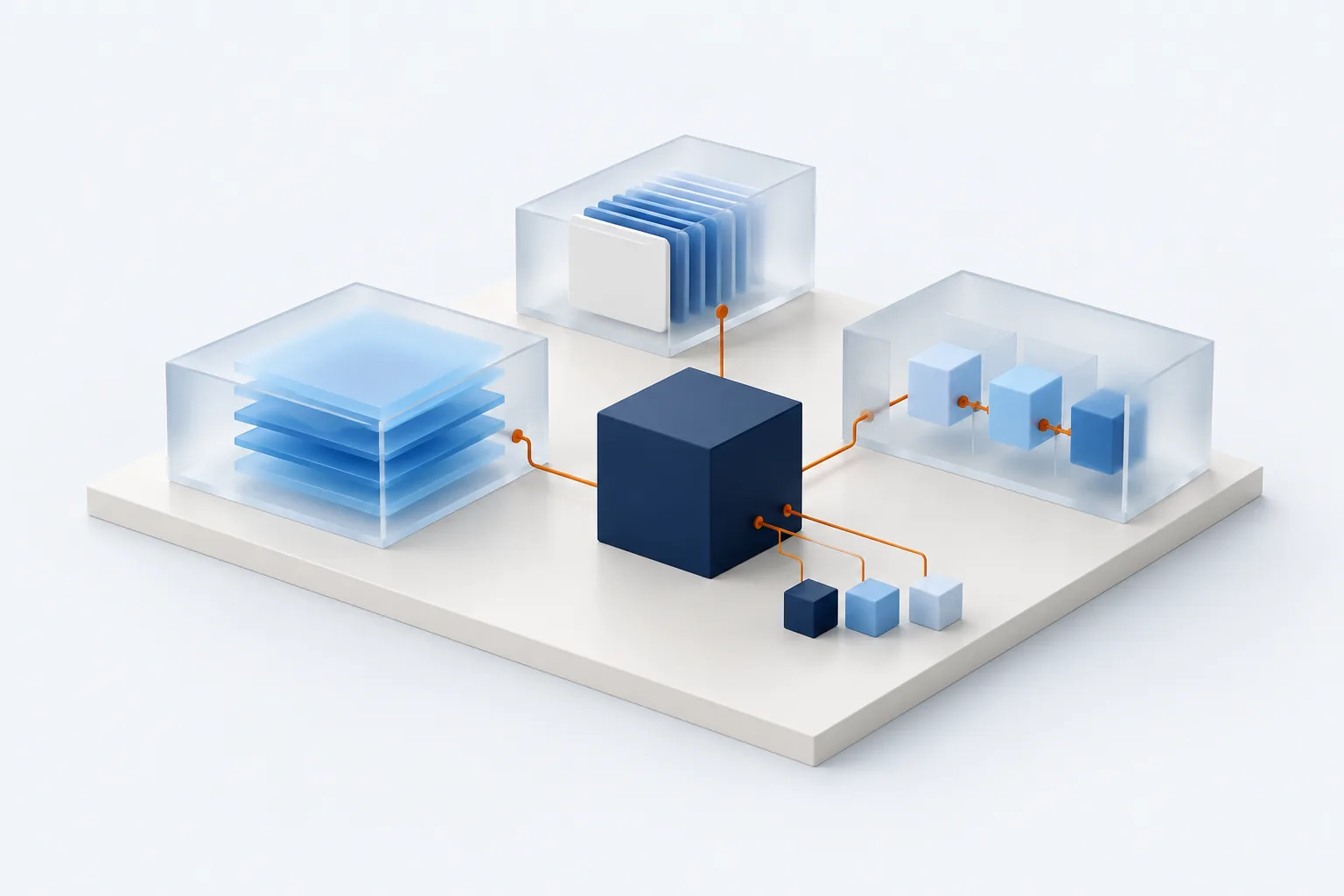
Curated memory stores environment facts and user preferences across sessions. Searchable session history helps an agent retrieve earlier work when it needs more context.
How persistent memory works ↗Skills are knowledge documents loaded when needed. Nedura can create and reuse them, and supports the open Agent Skills standard and external skill directories.
Explore the skills system ↗Profiles keep configuration, credentials, memory, sessions, skills, and gateway state separate. Use independent profiles for different roles and environments.
Understand profiles ↗02 / INSIDE THE SYSTEM
Entry points connect people and applications to the agent runtime. The runtime assembles context, resolves a provider, calls tools, and returns a response. Explore the layers below.
Context, models, tools, and sessions arranged around a central agent runtime.
The selected entry point passes a task into the agent runtime.
Start from the CLI, a configured messaging platform, an API client, or an ACP-compatible editor. The gateway handles platform events and routes messages into sessions.
Simplified from the Nedura architecture documentation. Connections are conceptual; model and external tool requests follow your configured providers.
03 / CONNECTED CAPABILITIES
Enable toolsets by platform and extend the runtime through MCP and plugins. Use the connections your workflow needs.
Run commands, manage processes, read and edit files, and work with configurable terminal backends. Keep execution aligned with your chosen environment.
Tools & toolsets ↗Search the web, extract content, and automate browser tasks. Browser and tool backends are configured independently of the conversation surface.
Browser automation ↗Connect local stdio or remote HTTP tool servers. Discover tools at startup and filter which tools each server exposes to the agent.
MCP integration ↗Use configured model providers or compatible endpoints. Configure fallback providers when the primary model encounters errors.
Fallback providers ↗Connect Teams, Slack, Telegram, Discord, and other supported platforms through a gateway. Media and voice capabilities vary by platform and configuration.
Messaging capabilities ↗Add tools and lifecycle hooks, or connect alternative memory providers and context engines. Extend the platform without modifying the core runtime.
Explore plugins ↗04 / WORK THAT MOVES FORWARD
Break a larger task into focused workstreams, or run a repeatable workflow on a schedule. These illustrations show supported patterns, not live execution.
Child agents work with fresh conversations, inherited tool access, and their own terminal sessions. Their final summaries return to the parent for coordination.
Read about delegation ↗A one-time schedule, recurring cron expression, or configured webhook event.
Run a fresh agent session with relevant skills, or use script-only mode for a deterministic job.
Send output to the origin chat, a configured platform target, or local files.
Create, pause, resume, edit, and trigger jobs through the scheduling tools. Pick the delivery destination that fits the task.
Explore scheduled tasks ↗05 / CONTROL & GOVERNANCE
Nedura and Nedura Gov are two editions of the same product. Nedura runs in infrastructure you operate. Configure tools, platform access, and approval behavior for your environment. Nedura Gov adds Sevengate governance.
NEDURA
For commercial organizations and business IT teams. Run the agent runtime, memory, skills, and extensible tools in your own environment, and connect to approved model providers, chat tools, and business tools.
NEDURA GOV

For defense, federal, and regulated organizations requiring the Sevengate governance layer.
06 / DEPLOYMENT
Nedura is installed and upgraded by your administrator using nedura-deploy. The documentation covers Linux, Windows Server, containers / Kubernetes using Helm, and Terraform on Azure deployment paths. The platform is deployed using signed releases.
Choose the infrastructure your organization will operate and review the installation guidance with your administrator.
Set up model providers, tool access, profiles, and the messaging platforms your team needs.
Use the quickstart, validate your configuration, and add skills or automation as your workflow develops.
GO DEEPER
Nedura is built and supported by ALINEDS, a Texas-based IT, AI, cloud, and cybersecurity company serving defense, federal, civilian, intelligence, and commercial customers.